Your TV may not be using its best HDMI settings by default.
Key tips:
- Use the right HDMI port — not every HDMI port supports full 4K/HDR/120Hz.
- Turn on Enhanced HDMI / HDMI Deep Color / Input Signal Plus depending on your TV brand.
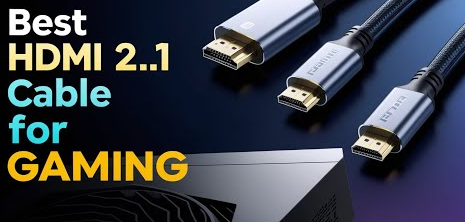
- Use a proper high-speed HDMI cable, especially for 4K HDR or gaming.
- Enable HDMI-CEC if you want one remote to control connected devices.
- Use HDMI ARC/eARC for soundbars or receivers to get better audio passthrough.
Bottom line: the right HDMI settings can unlock better picture quality, HDR, smoother gaming, and cleaner audio without buying a new TV.