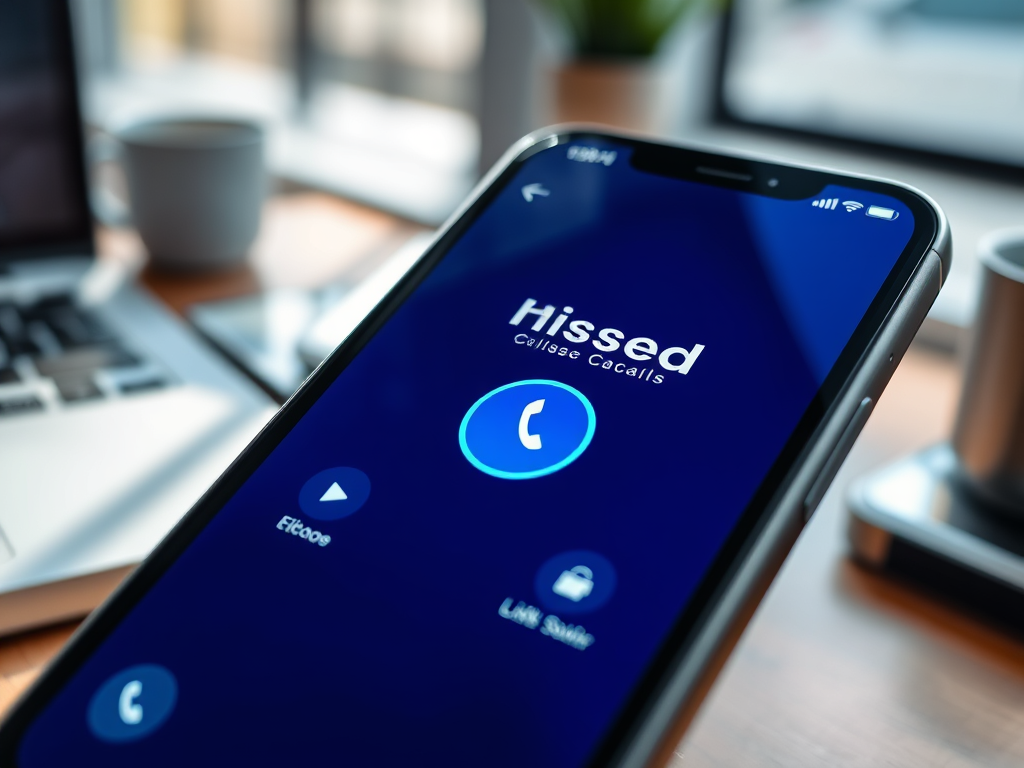
Picked up a great tip from the Not Nerd podcast — in iOS 26, there’s a simple but useful feature that lets you set reminders to return missed calls.
Open the Phone app, tap Recents, then go to Missed calls. Swipe from right to left on a call and you’ll see a small blue clock icon appear. Tap it to set a callback reminder — choose in an hour, tonight, tomorrow, or later.
It’s one of those subtle iPhone features that’s easy to miss but handy if you’re always forgetting to return calls.